Every foundational programming concept can be taught with laundry, snacks, blocks, and conversation — no screen, no product, no prep. This page organizes activities by concept rather than by age , so you can pick the idea your child keeps circling and go deeper on it. Each one takes 10–20 minutes and uses things already in your house.
A quick word on why screen-free comes first: young children think by doing. A concept has to live in their hands before the symbolic version means anything. Far from being a runner-up to screen time, this is where the real foundation gets built — the load-bearing part of the curriculum .
Sequences — steps in order
The concept: things happen in order, and the order matters. The foundation of every program.
- Routine cards. Draw the morning routine on index cards (wake up, potty, teeth, dressed, breakfast, shoes). Child puts them in order. Then scramble them — shoes before pants — and let them find and fix the absurdity. Ask which steps are strict (socks before shoes) and which are flexible (brush teeth before or after breakfast). Knowing the difference is a genuine CS concept.
- Construction site order. Act out building a road with toy vehicles: bulldozer clears, excavator digs, mixer pours, roller flattens. Then run it out of order — “the roller goes first? There’s nothing to flatten!” — and enjoy the giggles. They’re validating a sequence.
- Cooking narration. Recipes are sequences with stakes. Narrate every step; let them predict the next one.
Patterns — what repeats
The concept: spotting the regularities that let you predict what comes next.
- Snack patterns. Laid out on a plate. Goldfish, pretzel, goldfish, pretzel, ___? Once that’s mastered, add a third element. Eating the pattern afterward is highly motivating.
- Clap-stomp rhythms. Clap-clap-stomp, repeat. Then play “spot the break”: run the pattern three times, change one element, and let them catch it.
- Pattern hunt. Walk the neighborhood spotting patterns in fences, brick, crosswalks, tiles. Naming patterns in the wild is the step where it all transfers.
- Kid as pattern-setter. Have them build a pattern for you to continue, then make deliberate mistakes for them to correct. Designing a pattern is harder than finishing one.
Categorization — same and different
The concept: grouping by shared attributes; the foundation of every database and data structure.
- The big sort. Dump 15–20 mixed toys on the floor. One rule: animals here, vehicles there. Then change the rule — sort the same pile by color, then by size. Same items, different rules, different groups. The deep lesson hides in there: how you categorize depends on what you’re paying attention to.
- Sock matching. Post-laundry: “find all the truck socks,” then “find their friends.” Classification plus matching, disguised as a chore.
- The edge case. Hand them a toy that fits two groups (a wheeled toy horse; a seaplane). “Where does it go?” Multi-category membership is a real engineering problem, and preschoolers will argue it passionately.
- Guess my rule. You sort; they deduce the rule. Inference, which is the same skill running backward.
Conditionals — if this, then that
The concept: branching logic, the most-used construct in all of software.
- Red light, green light. “Red light!” → they freeze. “Green light!” → they dance. Then swap roles and fail on purpose so they can correct you.
- Red light, green light 2.0. Standard rules, then add conditions: “when I clap AND say green, you clap and dance.” Compound conditions, slipped into a game they already love.
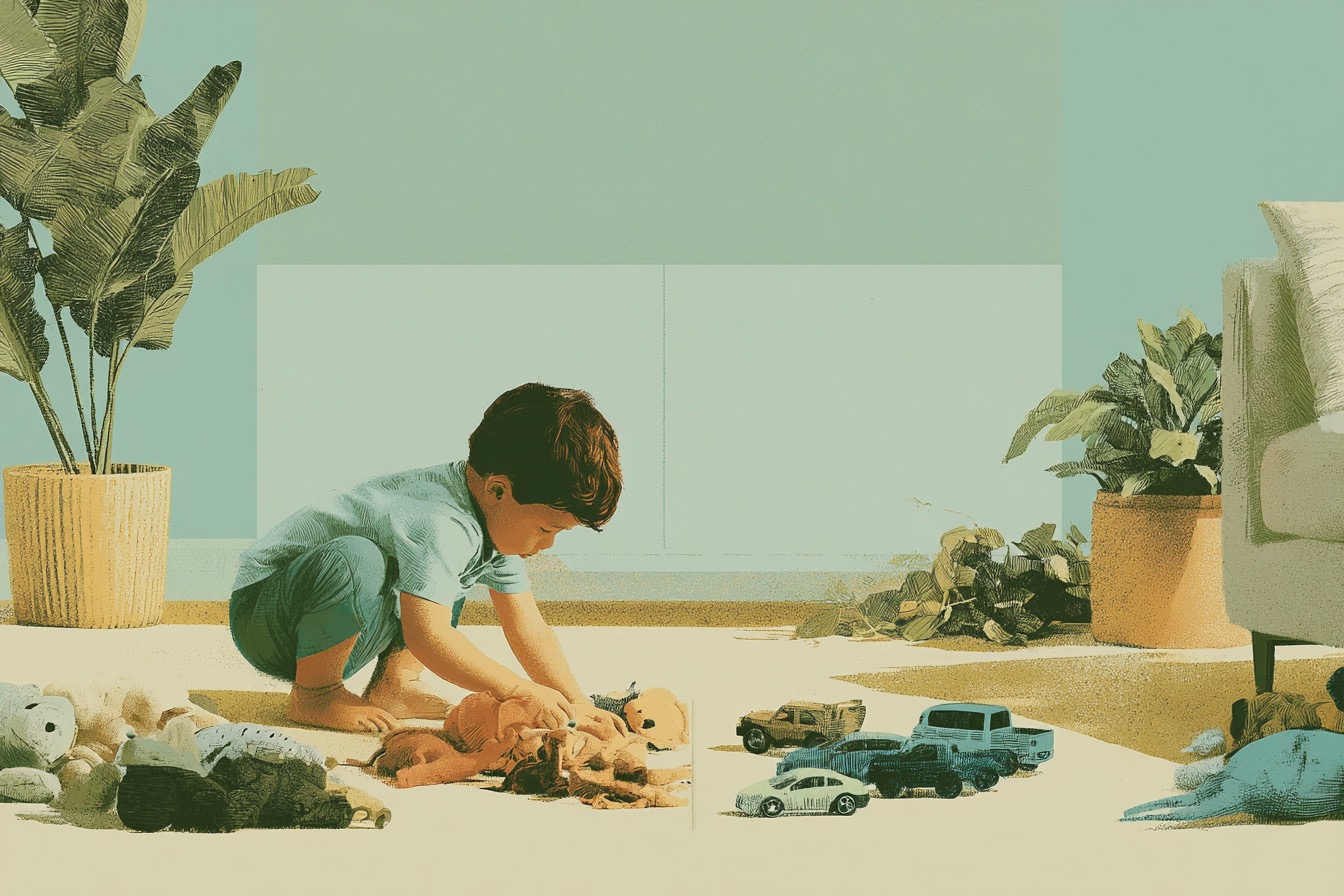
- Traffic light town. Toy cars, paper lights. Green = go, yellow = slow, red = stop — then layer in exceptions (“if a pedestrian is crossing, stop even on green”). Exceptions to rules are advanced conditional logic.
- Mealtime negotiation. “If I eat the meatball, then more blueberries?” is a conditional your child wrote. Engage with it as logic; you can honor the structure and still hold the line on the content.
Loops — again, until done
The concept: repeating until a condition is met. “Again!” is one of childhood’s first words for a reason.
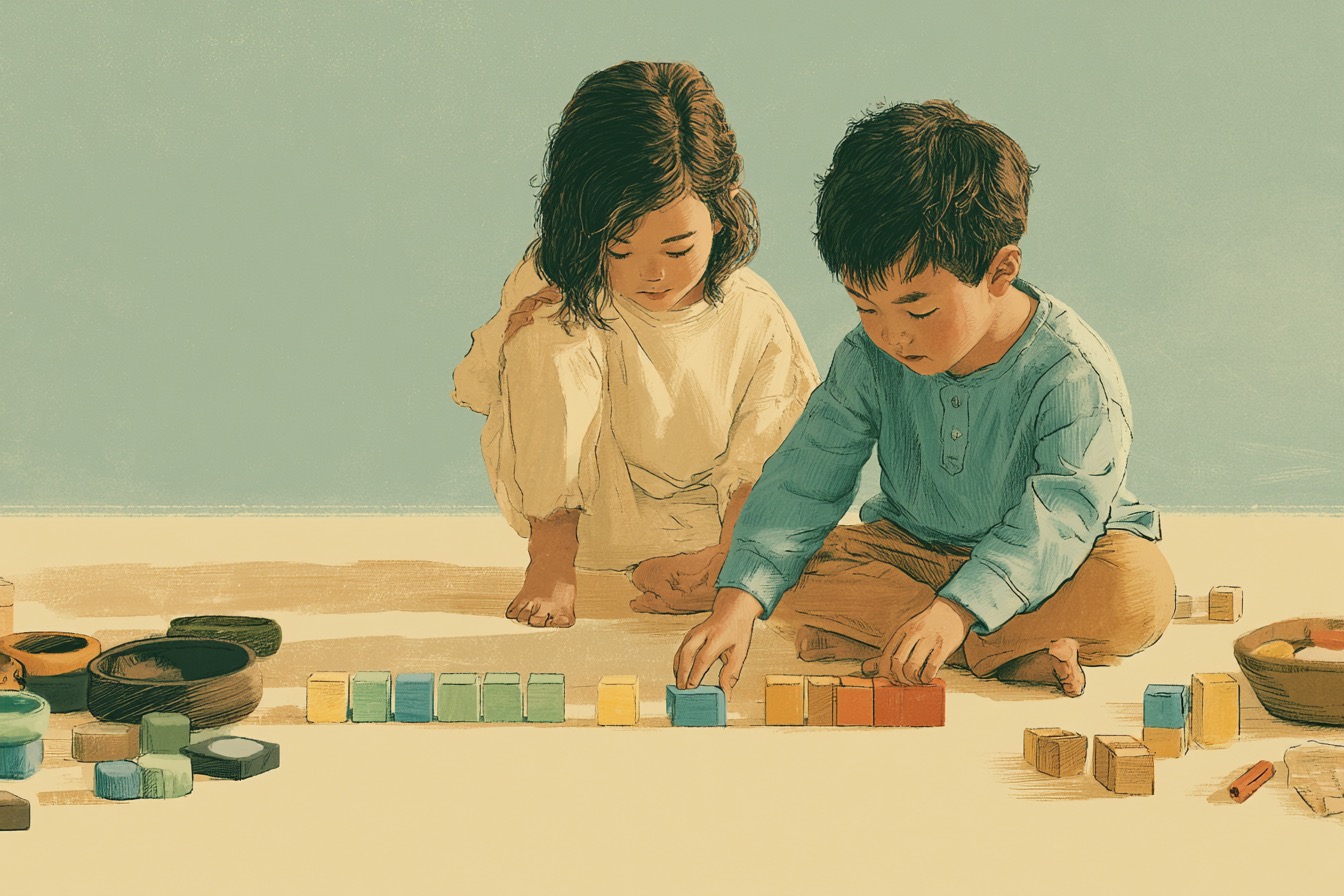
- The tower loop. “Add blocks UNTIL it’s as tall as Teddy.” Narrate the check each round: tall enough? No → add another. Then vary the end condition: until it falls (unpredictable), until the blocks run out (resource-based). Three different loop types, one pile of blocks.
- Counted stirring. “Stir 10 times — count with me.” Then let the child set the count. Then propose stirring one hundred times and start counting; they’ll discover that big loops cost real time.
- Loop quiz. “Is brushing teeth a counted loop or an until loop?” (Until — you brush until clean.) “Singing Happy Birthday?” (Counted.) Surprisingly fun in the car.
Debugging — find it, fix it
The concept: something’s wrong; locate the specific problem instead of declaring the whole thing broken.
- Spot the mistake. Tell a familiar story with one wrong detail (“the third bowl of porridge was too… SPICY”) and wait. Put your hat on your foot and insist you followed the instructions. Children find adult mistakes hilarious — and finding the bug is the skill.
- Mechanic shop. Present or draw toy vehicles with something wrong: missing wheel, upside-down wings, driver in the trunk. Child diagnoses and repairs. Escalate to two simultaneous problems, then to subtle ones. Then reverse roles — they “break,” you fix. Designing a hard-to-find bug is even harder than finding one.
- Tower forensics. When the tower falls, resist rebuilding right away. Ask “what happened?” first. Moving from it’s broken to it fell because this block is wobbly is most of what debugging actually is.
For a young child, screen-free coding activities are the real thing. The abstract symbols are just a later translation.
Decomposition — break it into pieces
The concept: big things are made of small, manageable parts.
- Layer by layer. Show a picture of something impressive — a castle, a big truck. “Looks hard. What’s at the bottom? Let’s build JUST that.” Go layer by layer; then step back and name what happened: we built the whole thing, one easy piece at a time.
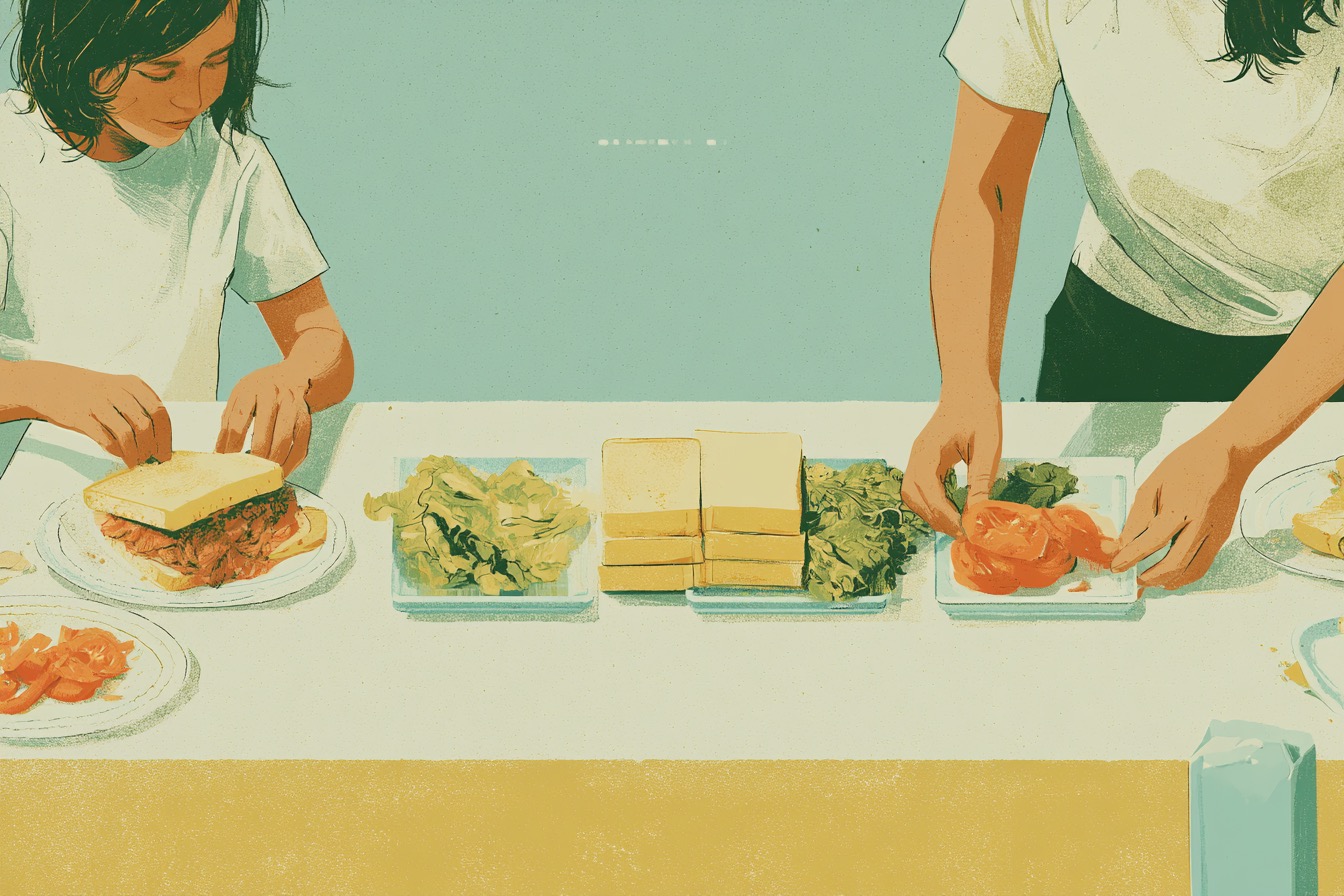
- Sandwich assembly. List every layer before building, then build in order. Edible decomposition has excellent compliance rates.
- Decompose the day. “What are all the pieces of our day?” Morning, park, lunch, quiet time, dinner, bed. Big spans of time come apart into pieces too.
Abstraction — what’s the important part?
The concept: ignore the details that don’t matter right now.
- Draw it simpler. Draw a cat with every detail. Then simpler. Then simpler again. “What’s the LEAST we can draw and still know it’s a cat?” Whatever’s left is the abstraction.
- Map makers. Map a room together: a rectangle, squares for furniture, a line for the door. “Do we draw every toy? No — just enough that someone could find the bed.” Maps are the classic abstraction, and a three-year-old can make one.
- Banana phone. When your child uses a box as a car or a banana as a phone, they’ve isolated the essential feature and dropped the rest. Celebrate it, by name.
How to run these without making it school
Three rules keep this play instead of curriculum. Follow the obsession — a child obsessed with garbage trucks should sequence, sort, and debug garbage trucks. One concept at a time, repeated across days, beats novelty (it’s the rhythm 12 Weeks of Tech Projects for Toddlers is built around). And name the thinking lightly — “you found the bug!” — then move on. The label plants the idea; the play makes it grow.
Frequently asked questions
Can kids learn coding concepts without screens? Yes. Young children can learn sequencing, patterns, conditionals, loops, debugging, decomposition, and abstraction through physical play before they ever touch a coding app.
What household items work for screen-free coding activities? Blocks, socks, snacks, toy vehicles, index cards, kitchen tools, and daily routines cover most early computational thinking activities.
Which coding concept should I teach first? Start with whatever your child is already doing: routines for sequencing, sorting toys for categorization, repeated songs for loops, or fallen towers for debugging.
Are screen-free coding activities a substitute for real programming? For young children, they are the foundation of real programming. The abstract symbols can come later, once the concepts already live in the child’s hands.